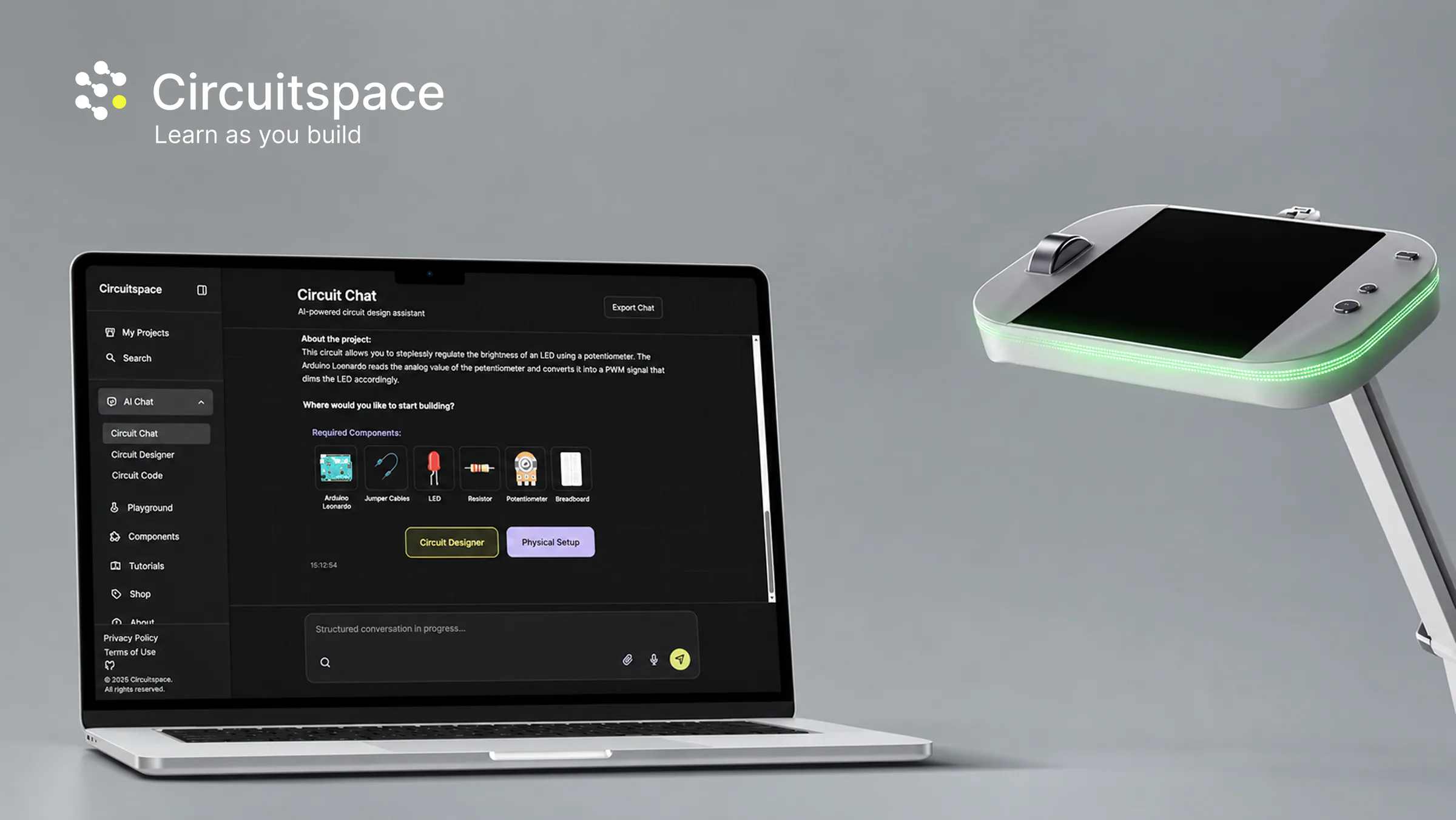
Learning should adapt to experience
Beginners need guidance, while experienced users need greater freedom and flexibility.
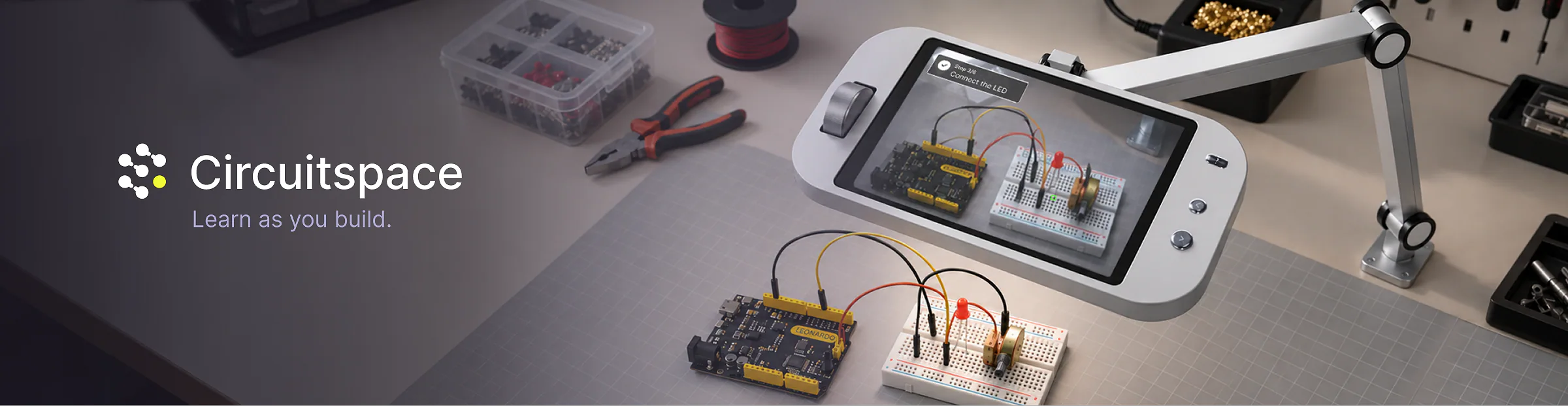
An interactive learning ecosystem that guides beginners from their first electronics idea to a working physical prototype.
The goal of this project was to improve the electronics learning experience by designing an interactive system that connects digital guidance with hands-on experimentation. The focus was on adapting to different levels of knowledge and experience, helping beginners build confidence through step-by-step support while enabling experienced users to deepen their skills, experiment freely, and receive assistance when needed.
To understand the existing electronics learning landscape, we evaluated platforms based on our project goals. We focused on accessibility, learning support, and how effectively each approach connects digital guidance with hands-on experimentation.


Electronics learners bring different levels of experience and confidence, therefore we looked at two distinct user groups.

22 | Beginner | Interaction Design Student
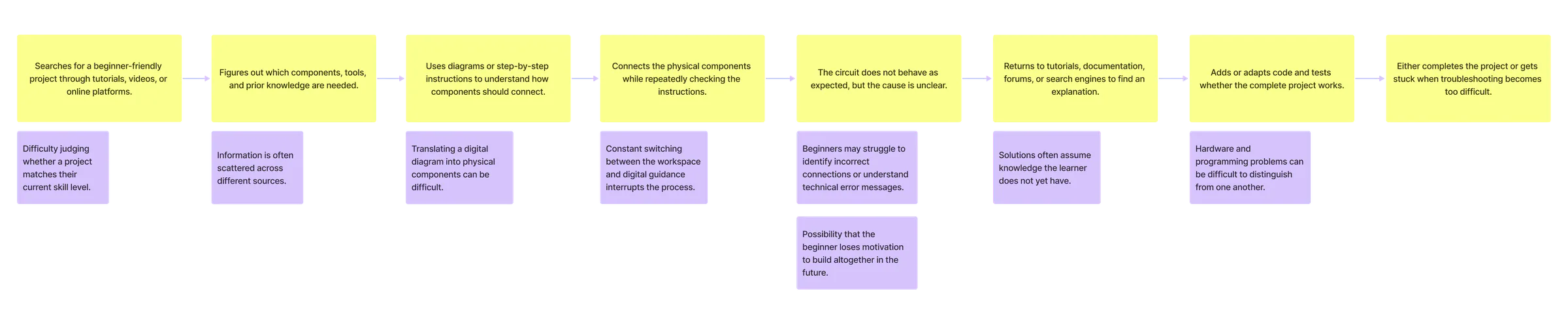
To better understand the challenges learners face, we mapped the current learning experience around our primary persona and explored the needs, frustrations, and opportunities that emerge throughout the process.
Based on the needs identified through our personas, we defined four principles to guide the development of Circuitspace.
Beginners need guidance, while experienced users need greater freedom and flexibility.

Digital guidance should support users while they build and experiment with real components.

Users should understand why each step matters, not simply what to do.

Clear feedback should help users understand errors, correct them, and keep going.
Beginners need guidance, while experienced users need greater freedom and flexibility.
Our first concept explored how digital guidance could support users while working with physical components. We began with a projection-based workspace, providing a large area for instructions and building steps directly on the work surface, while also supporting collaborative use.
Projection brought guidance into the workspace, but with some constraints.
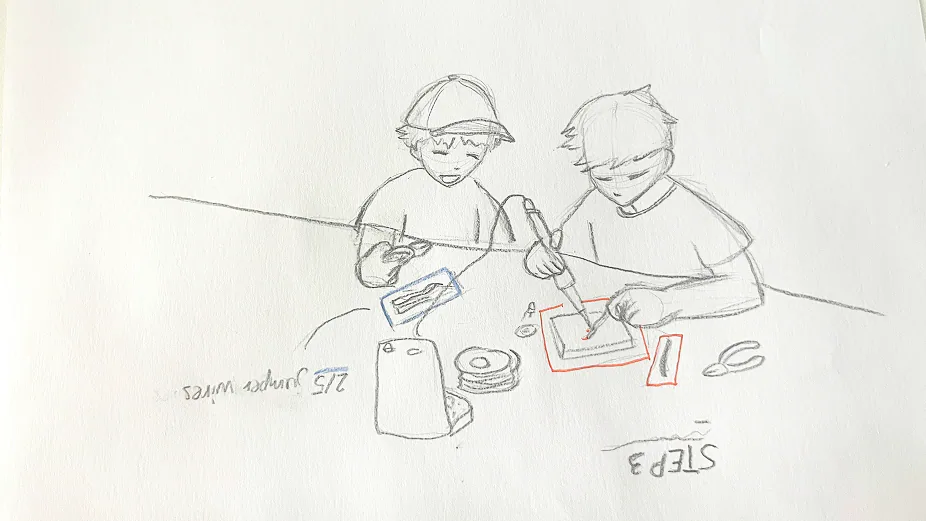
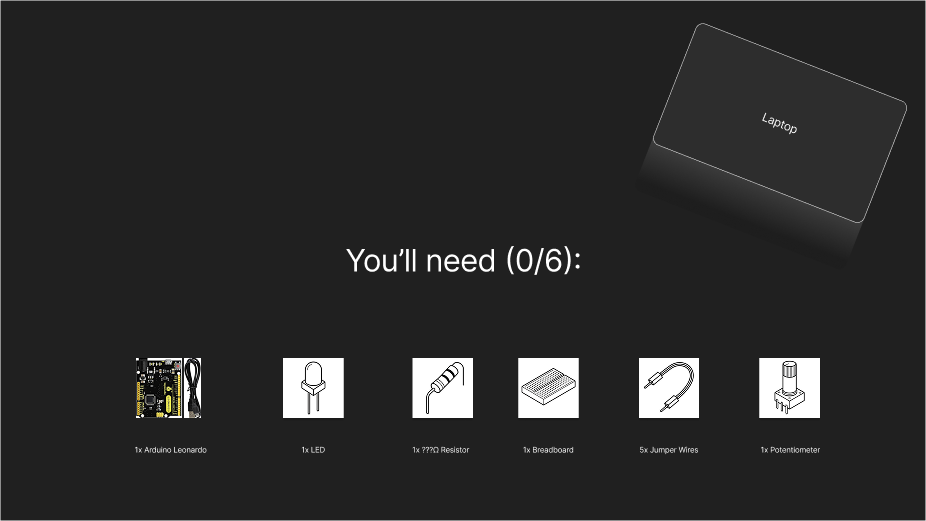
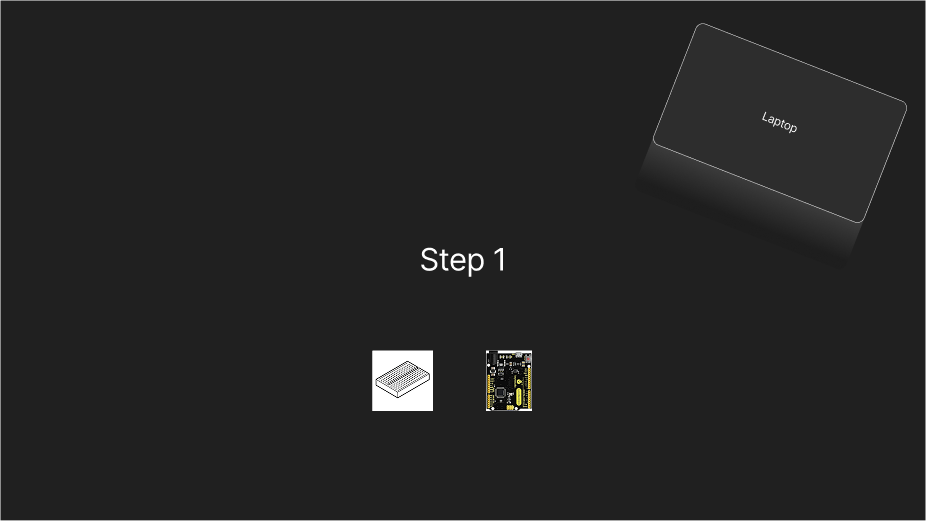
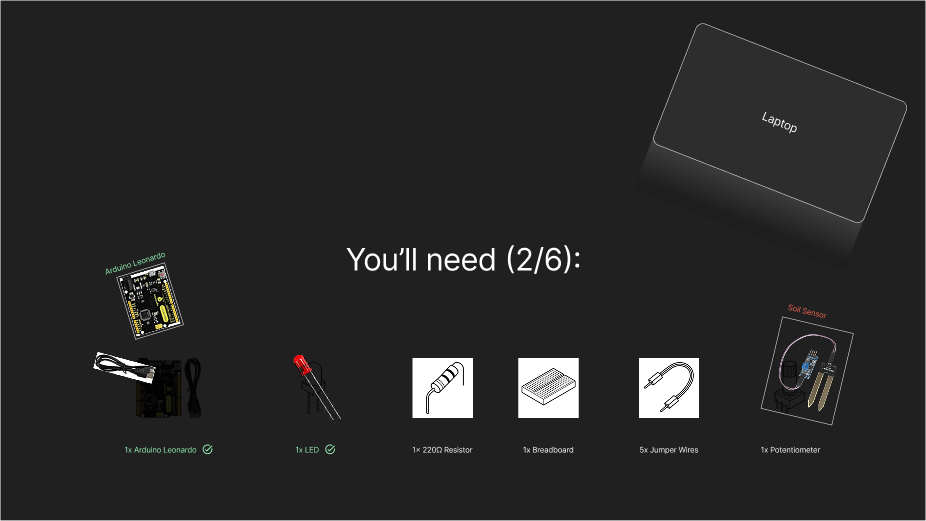
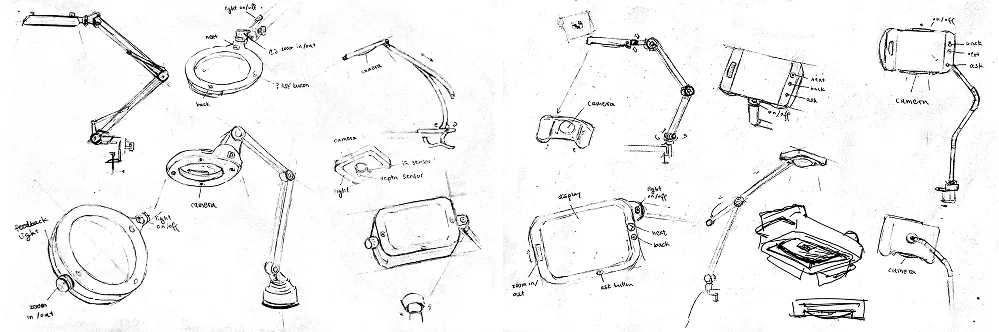
The second direction explored a movable display positioned above the workspace. Instead of augmenting the entire table, information would appear only within the viewing area, keeping guidance focused on the current task, reducing visual clutter, and requiring less technical setup.
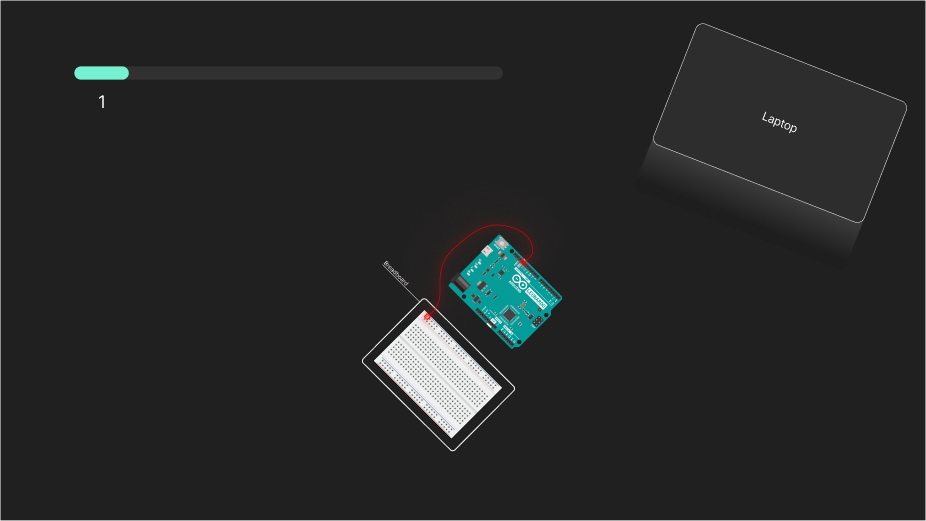
We mapped the complete journey from starting a new project to building and programming the final circuit. The flow helped us understand how Circuitspace, ARVIS, and the physical workspace connect throughout the experience.

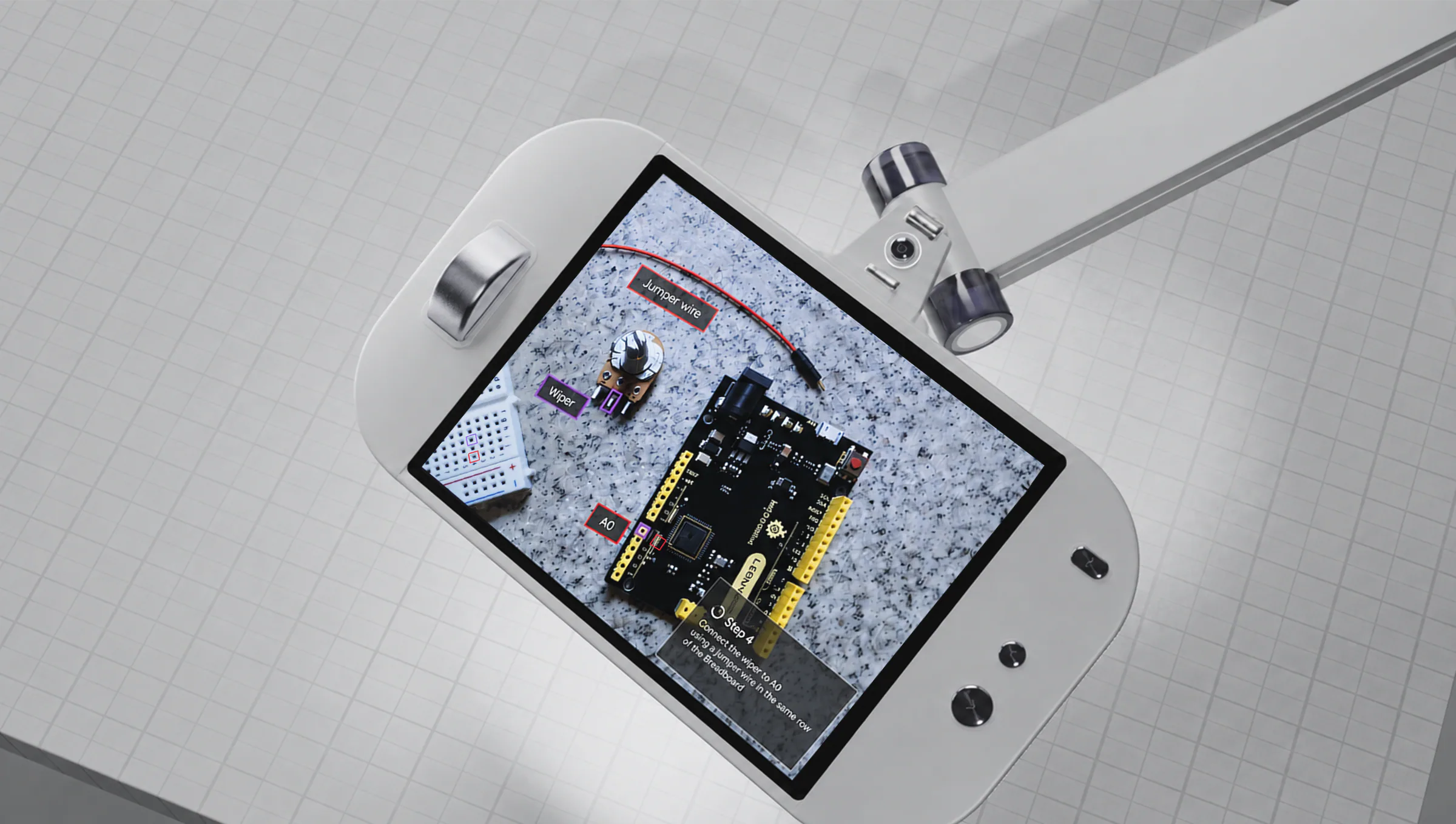
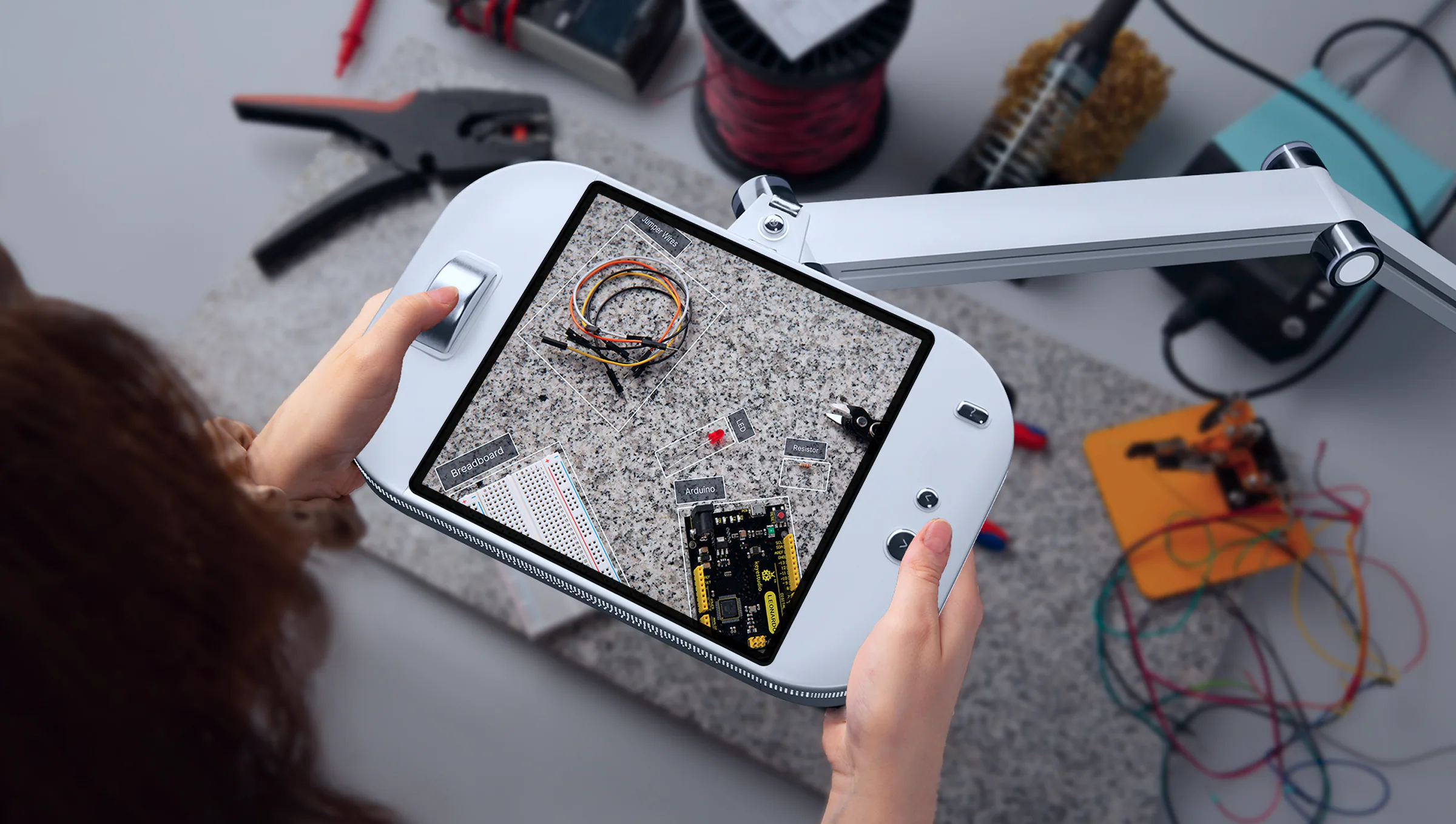
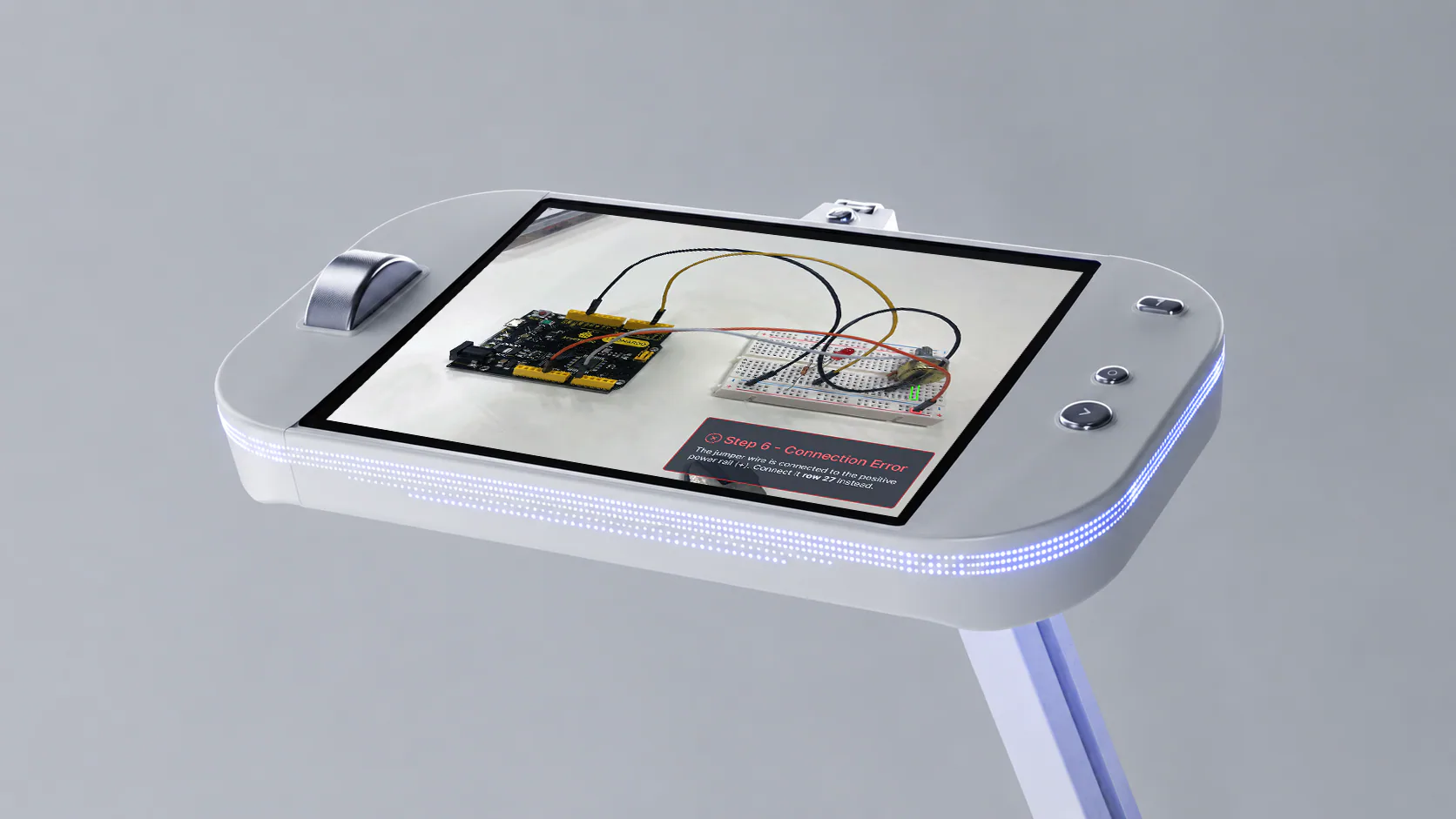
Arvis was designed to keep essential interactions directly within reach while users work on a circuit, reducing the need to constantly return to the computer.
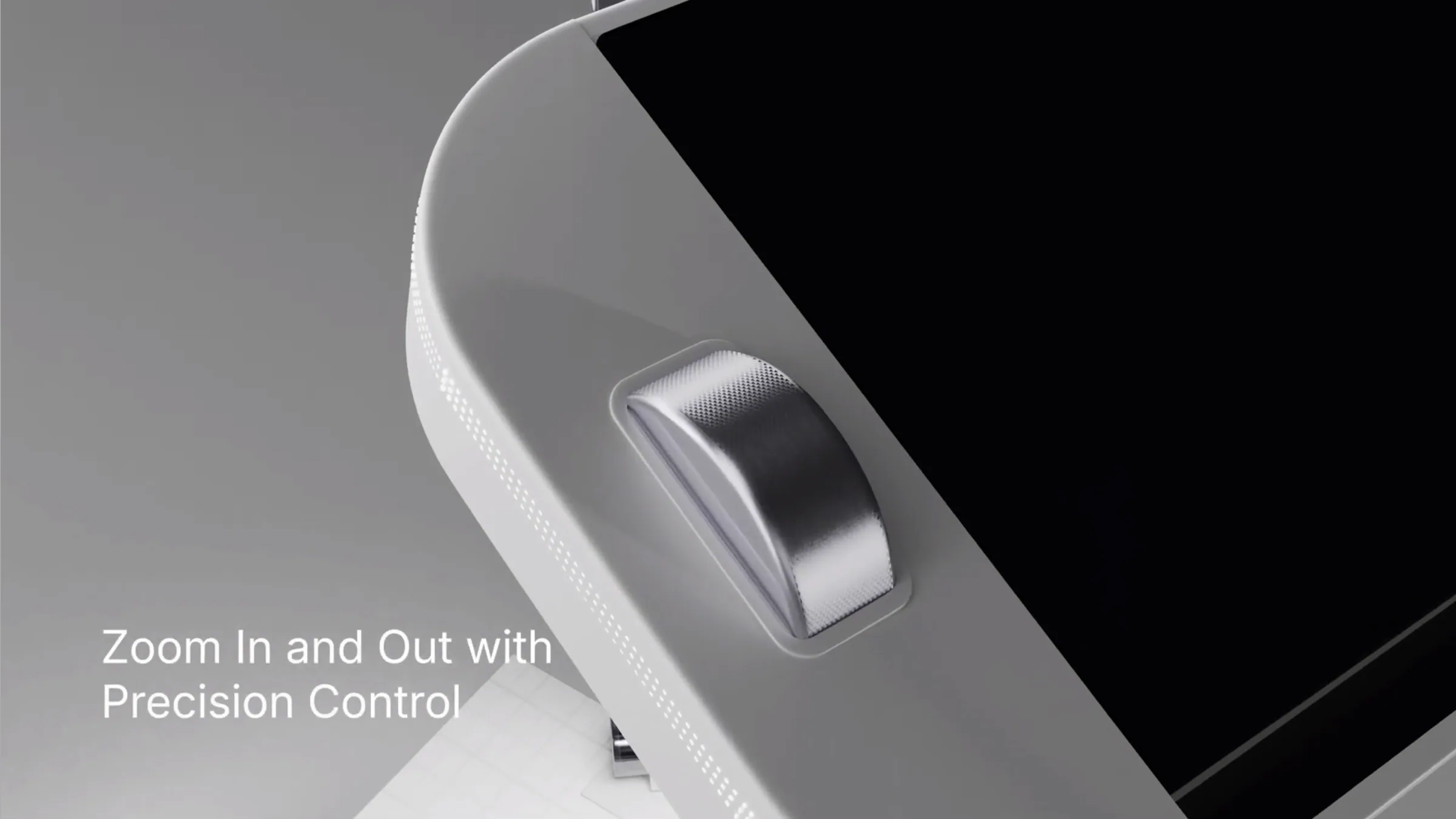
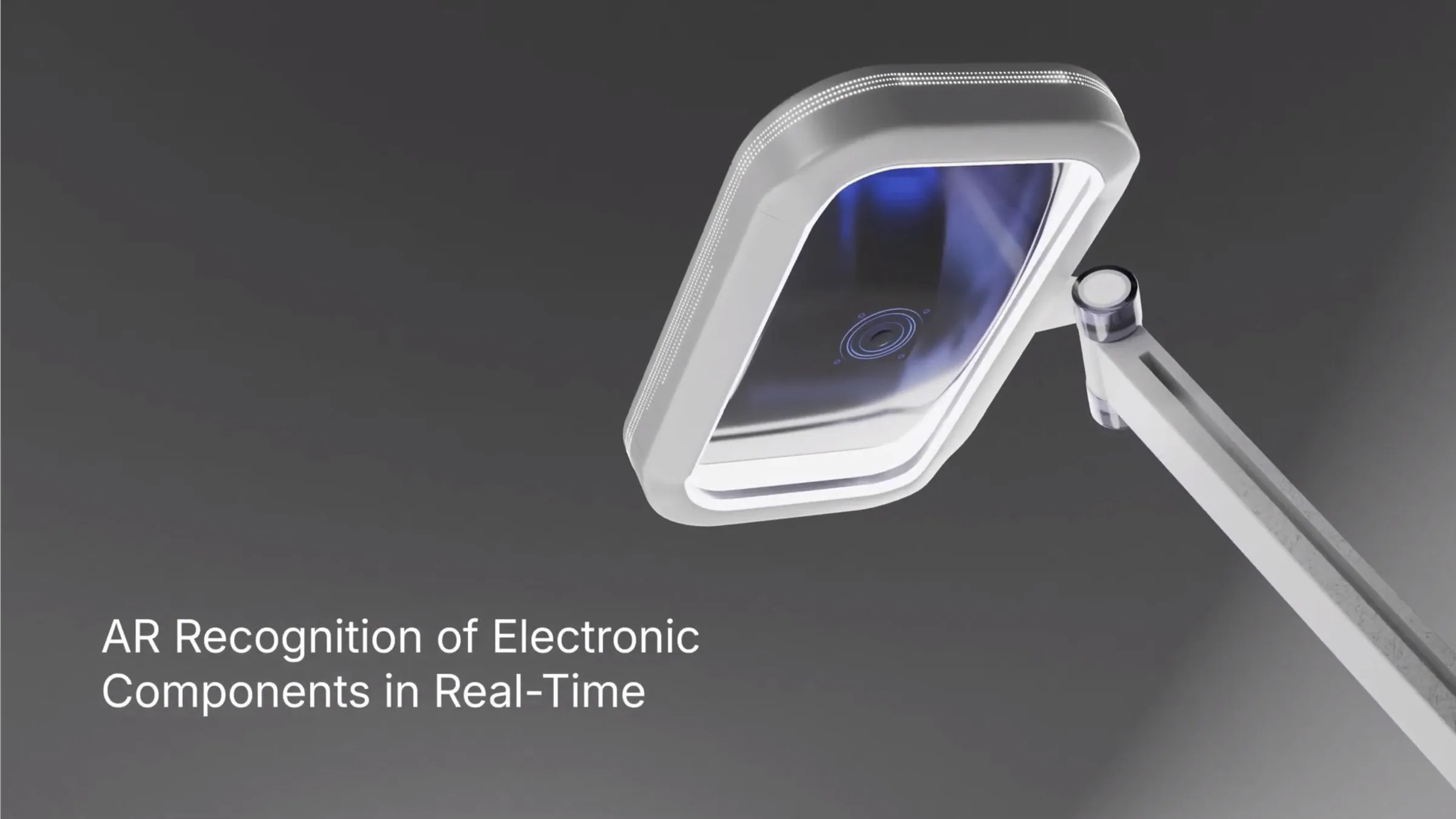
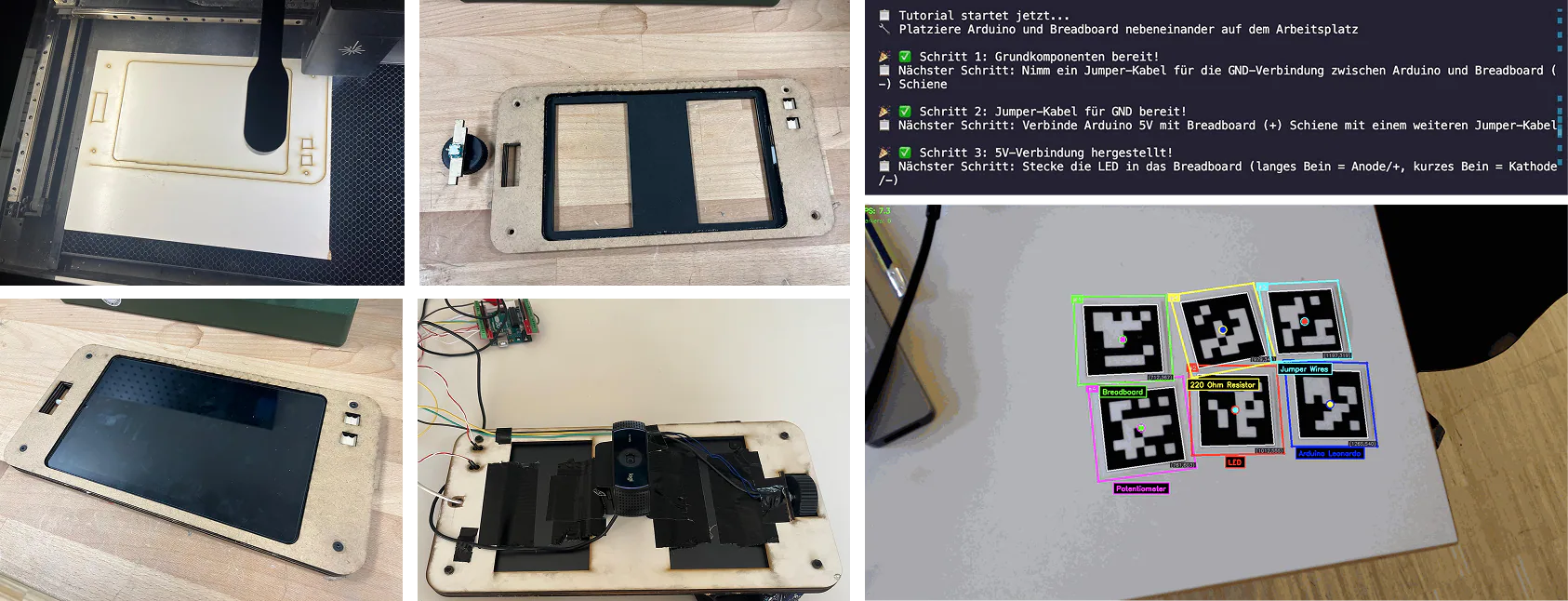
To explore the concept beyond digital mockups, we built a physical prototype of Arvis. The housing was constructed from laser-cut layers and integrated a tablet display, physical controls, and a camera positioned toward the workspace below. We experimented with marker-based tracking to explore how the device could identify components within the workspace and connect them to individual tutorial steps.
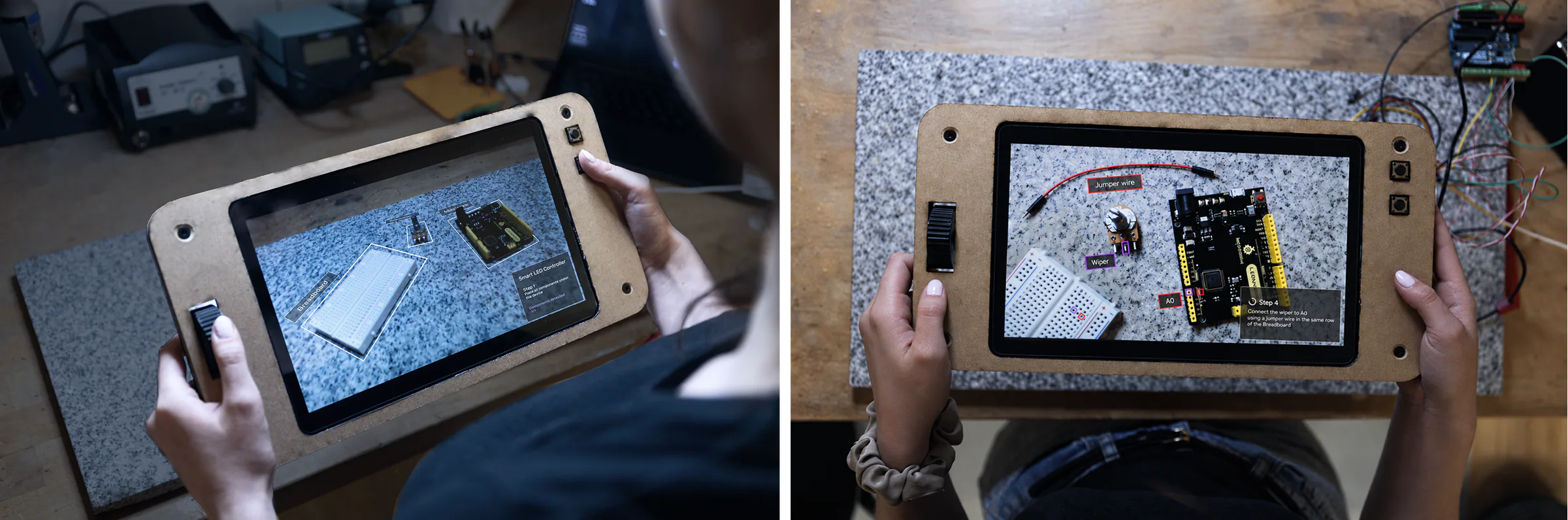
I developed the AR visualizations to translate the functional prototype into a more refined representation of the intended experience. The interface was designed to keep information connected to the physical components while avoiding unnecessary visual clutter.
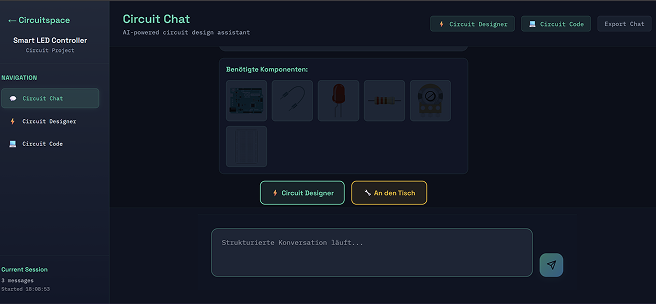
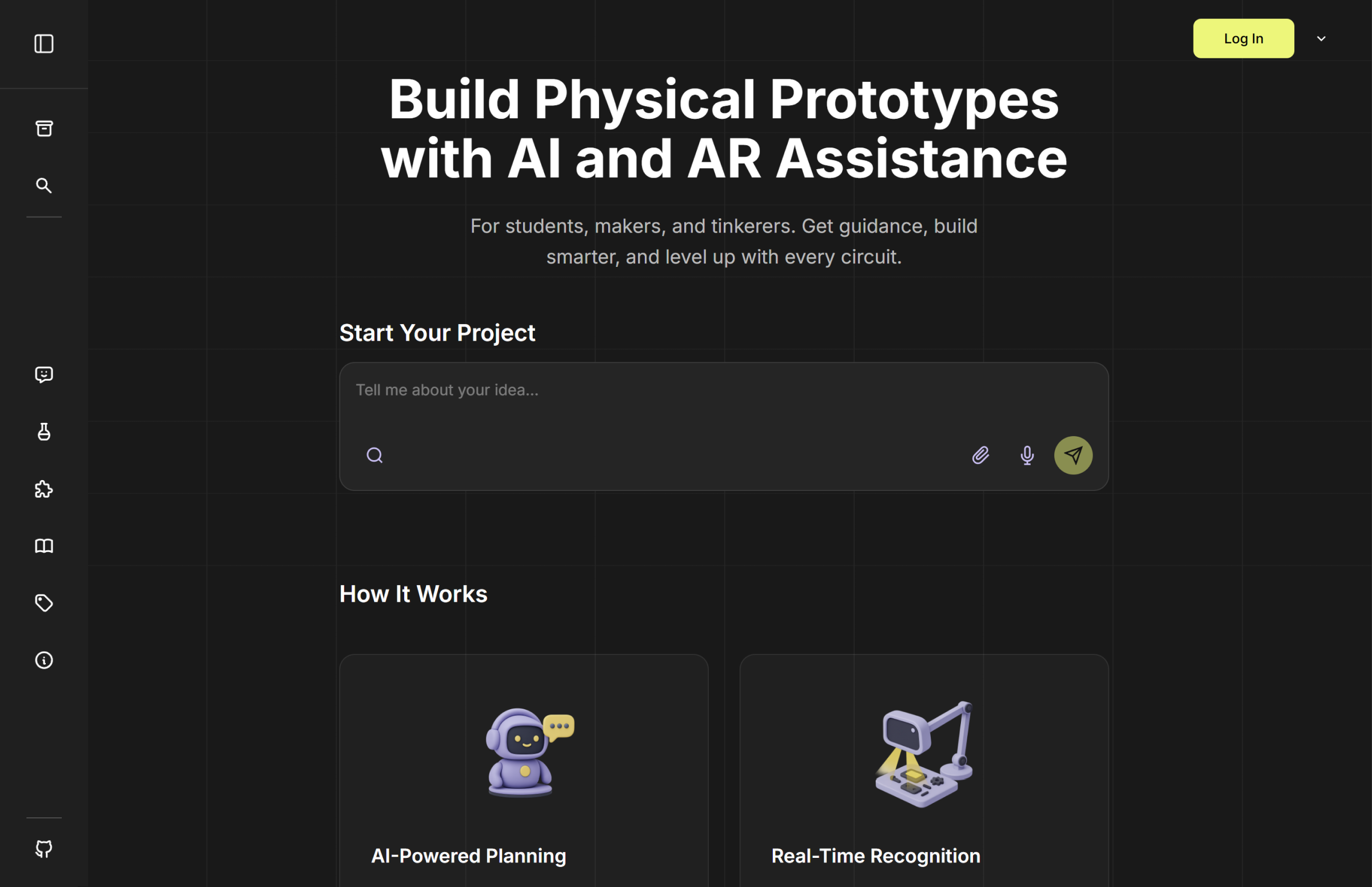
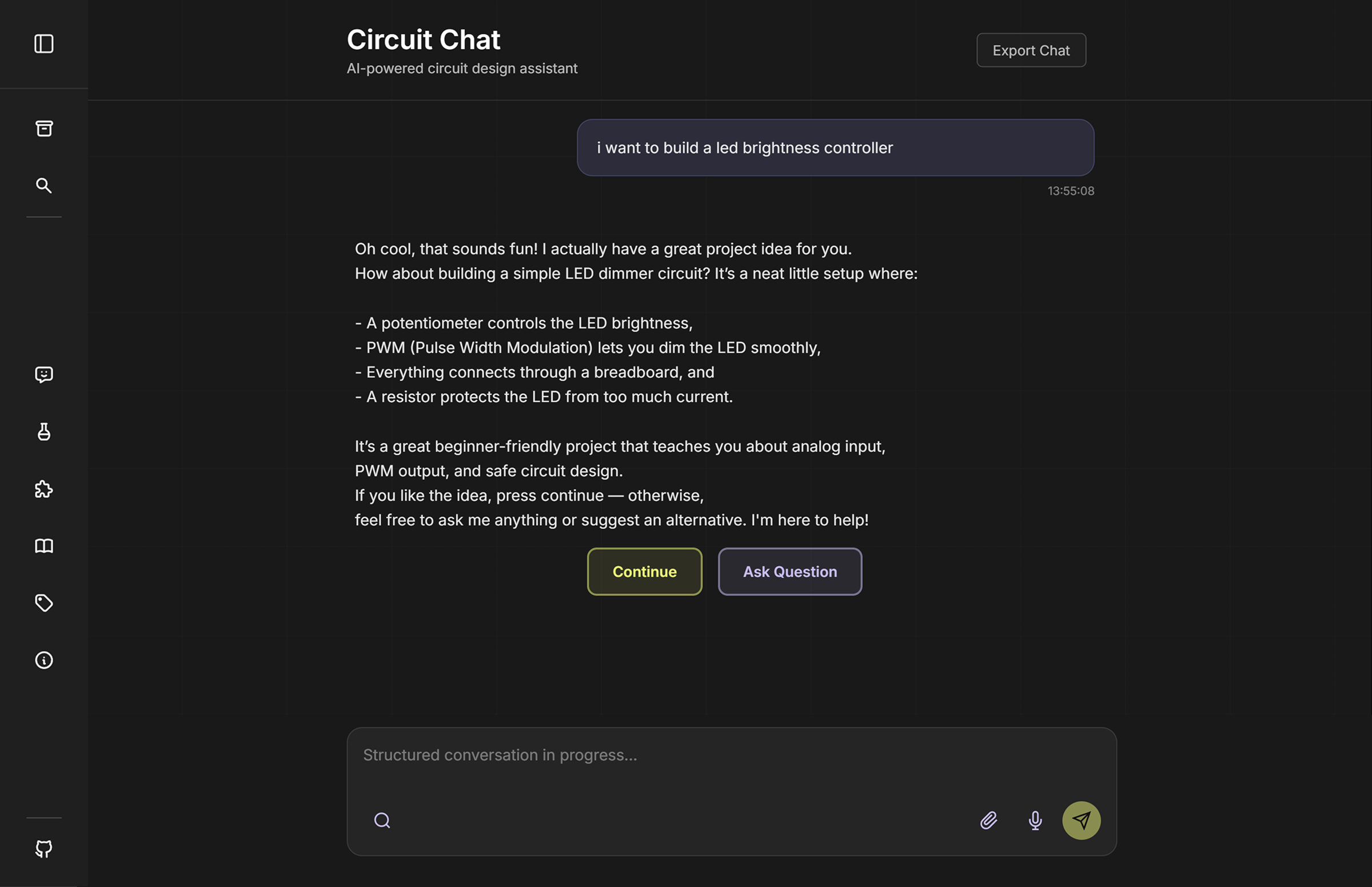
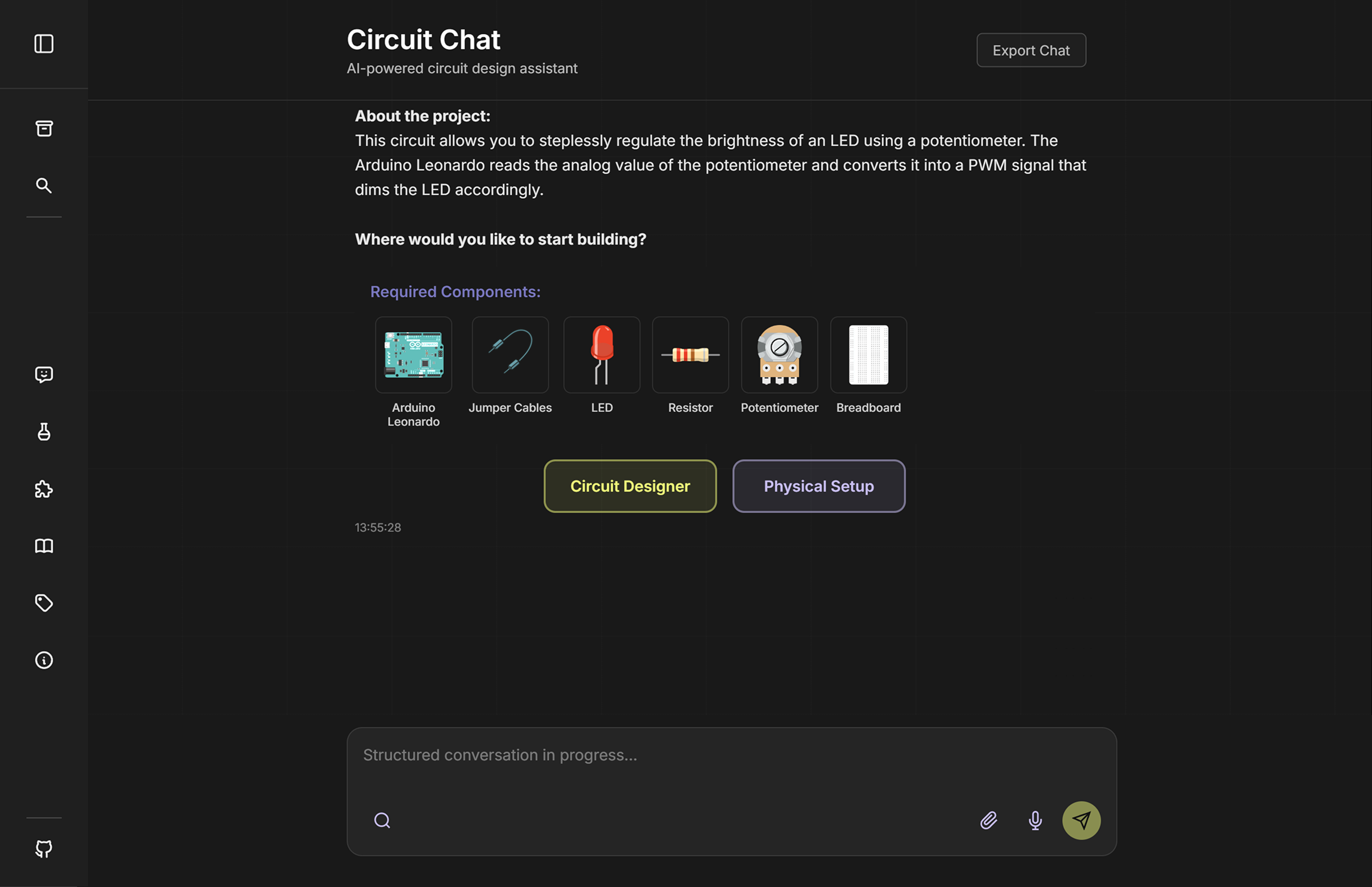
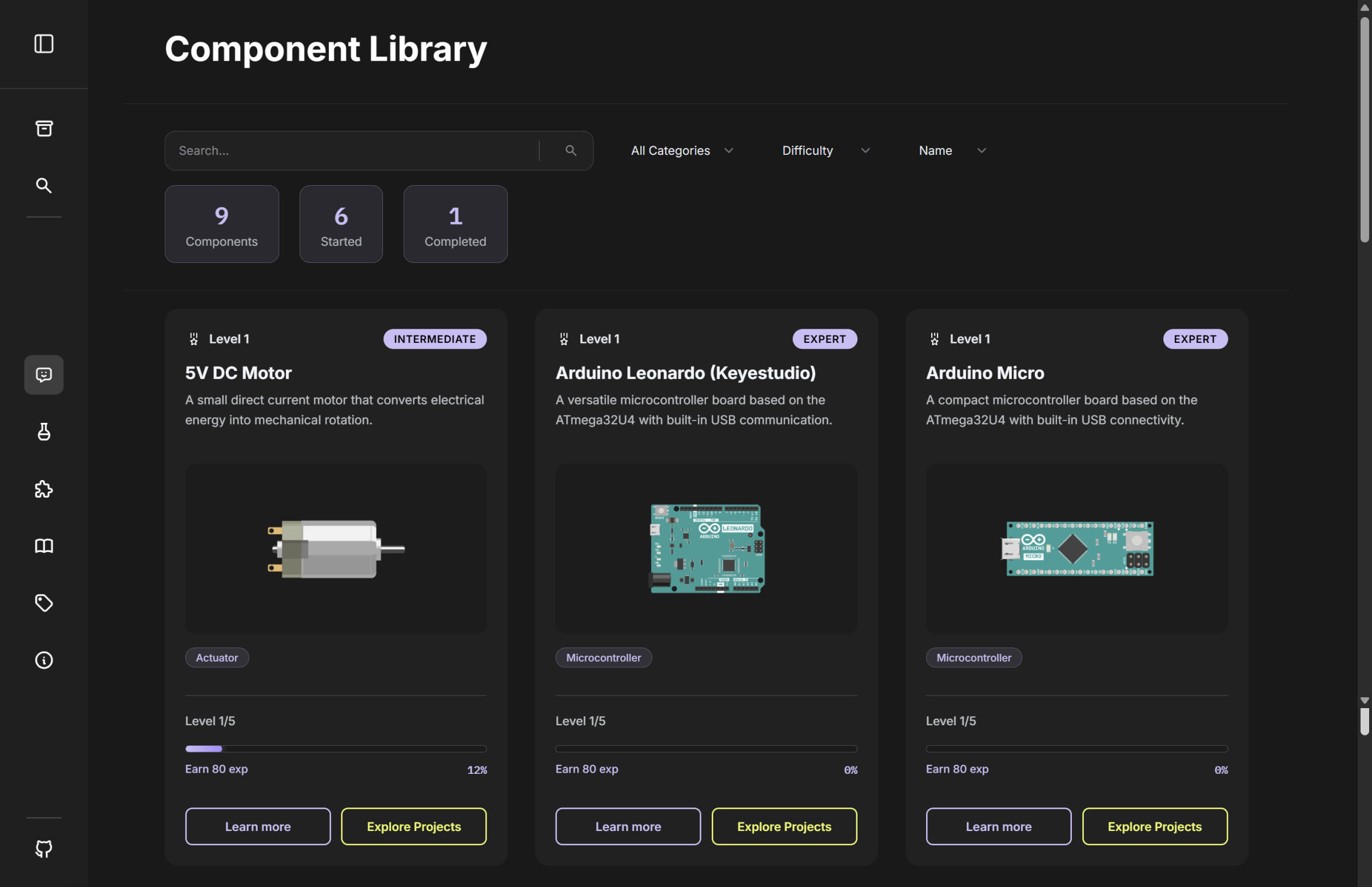
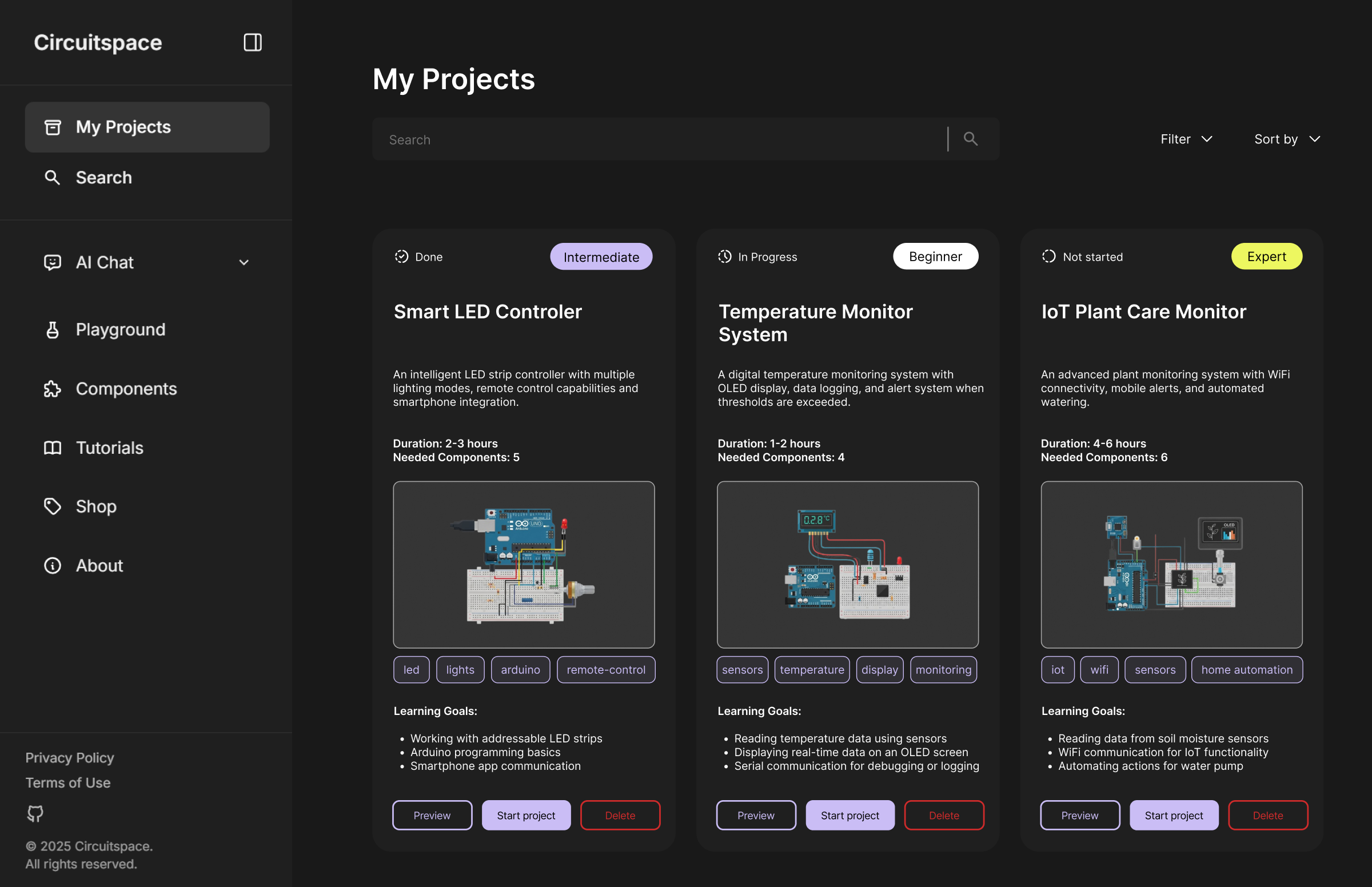
Circuitspace brings the digital parts of the learning experience together in one platform, supporting users from their first project idea to circuit design, programming, and independent experimentation.
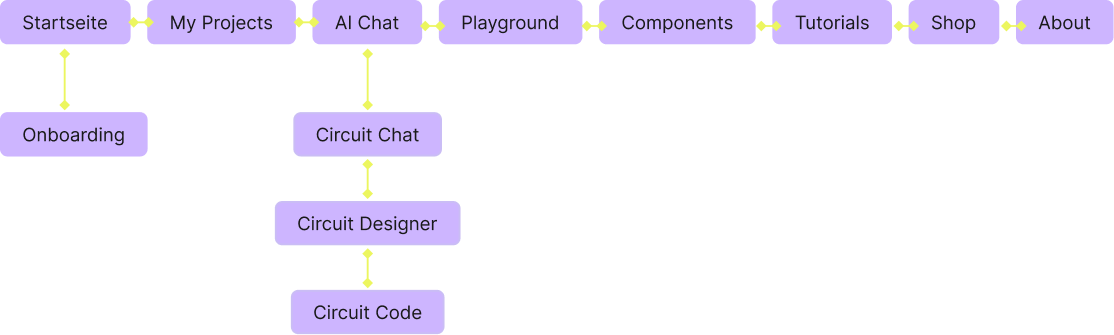
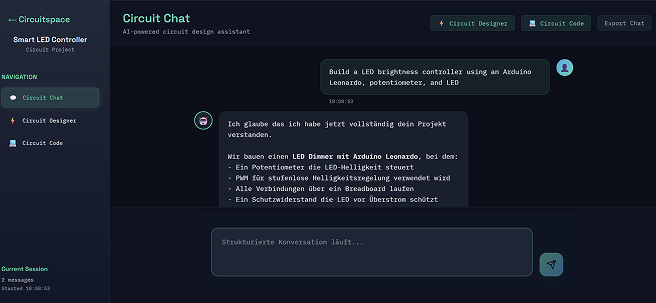
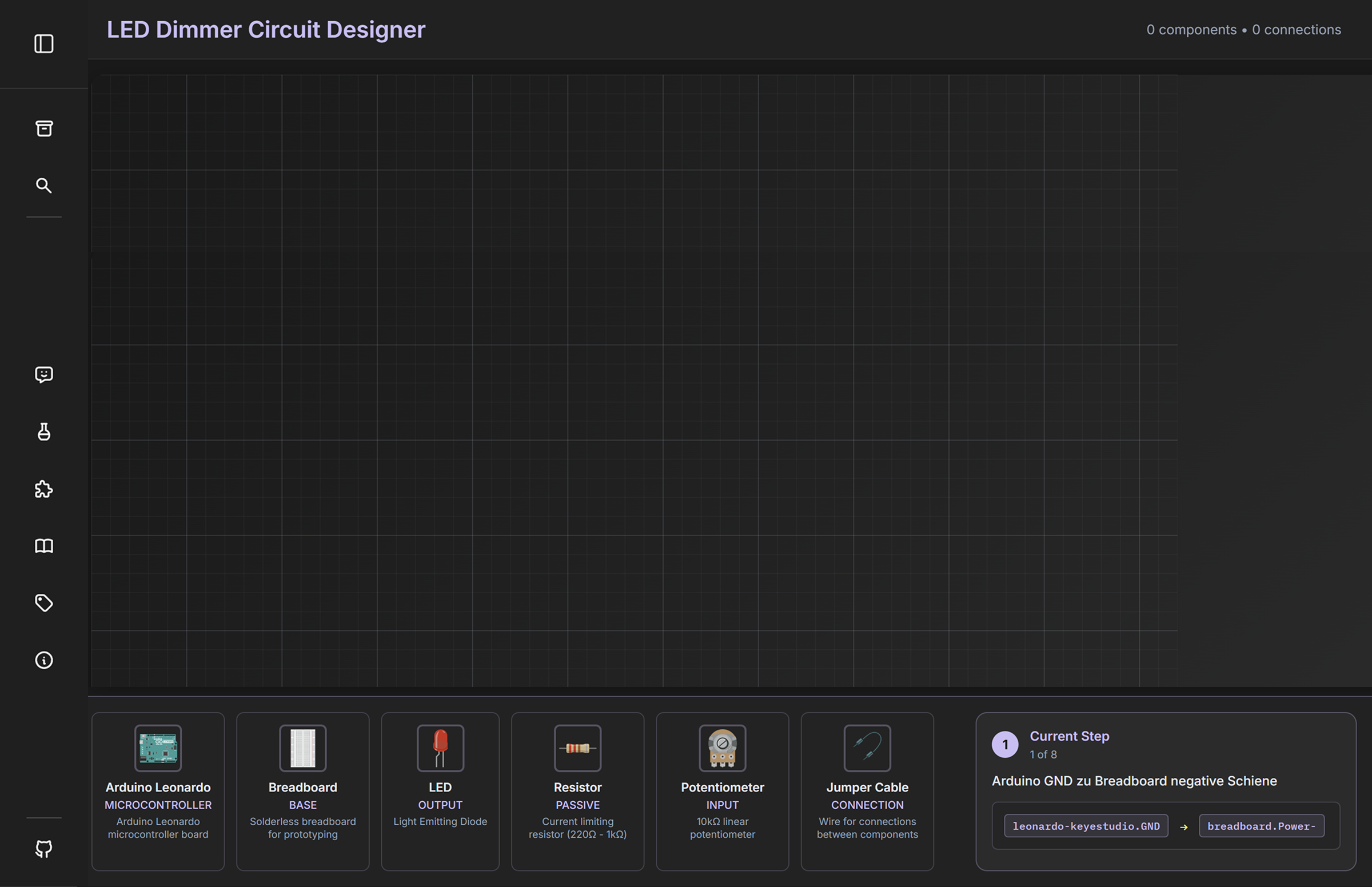
Early designs focused on defining the platform’s structure and layout. We organized the experience around three connected tools that support the main project workflow, complemented by additional areas for learning, experimenting, and managing projects.
To create a memorable identity, we developed the Circuitspace brand including the logo, color palette, typography, and visual language. The branding communicates curiosity, experimentation, and technological exploration while remaining friendly and accessible for beginners.
The interface was designed to make technical content feel approachable without oversimplifying it. Clear visual hierarchy, consistent color coding, and structured learning modules help users focus on one task at a time while maintaining an overview of their overall progress.
Primary Color
#EDF760Secondary Color
#CABDF5Background Color
#181818Contrast Color
#FFFFFFA clean interface font keeps lesson content readable while leaving enough visual space for diagrams, live feedback, and hardware states.
Aa
Aa
Aa
Aa
The CircuitSpace logo uses a clean, technical visual language that reflects the connection between digital circuit design, programming, and hands-on experimentation.
Ag
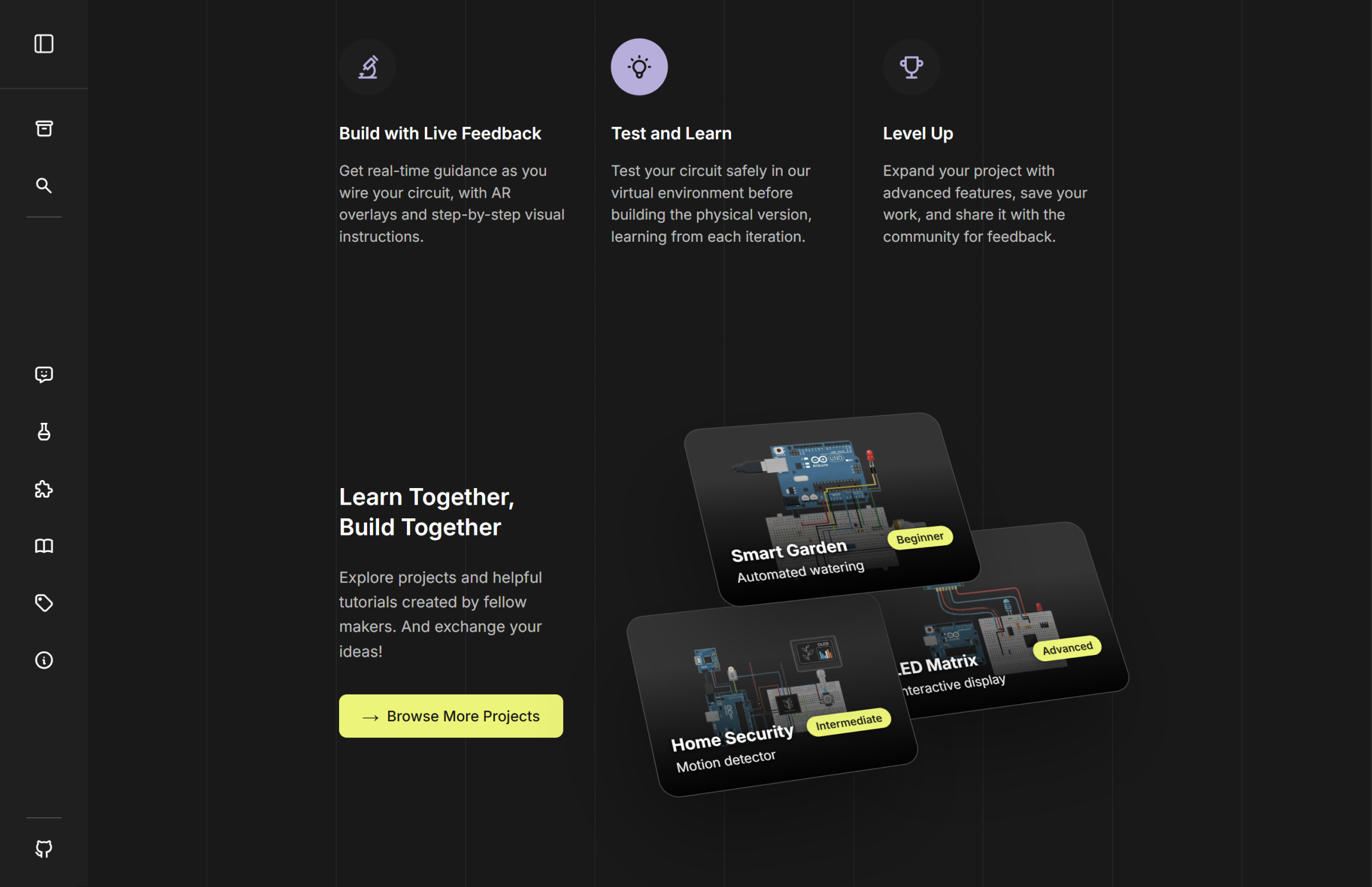
The final interface translates the Circuitspace concept into a complete digital experience, from starting a project to designing, building, and programming a circuit.

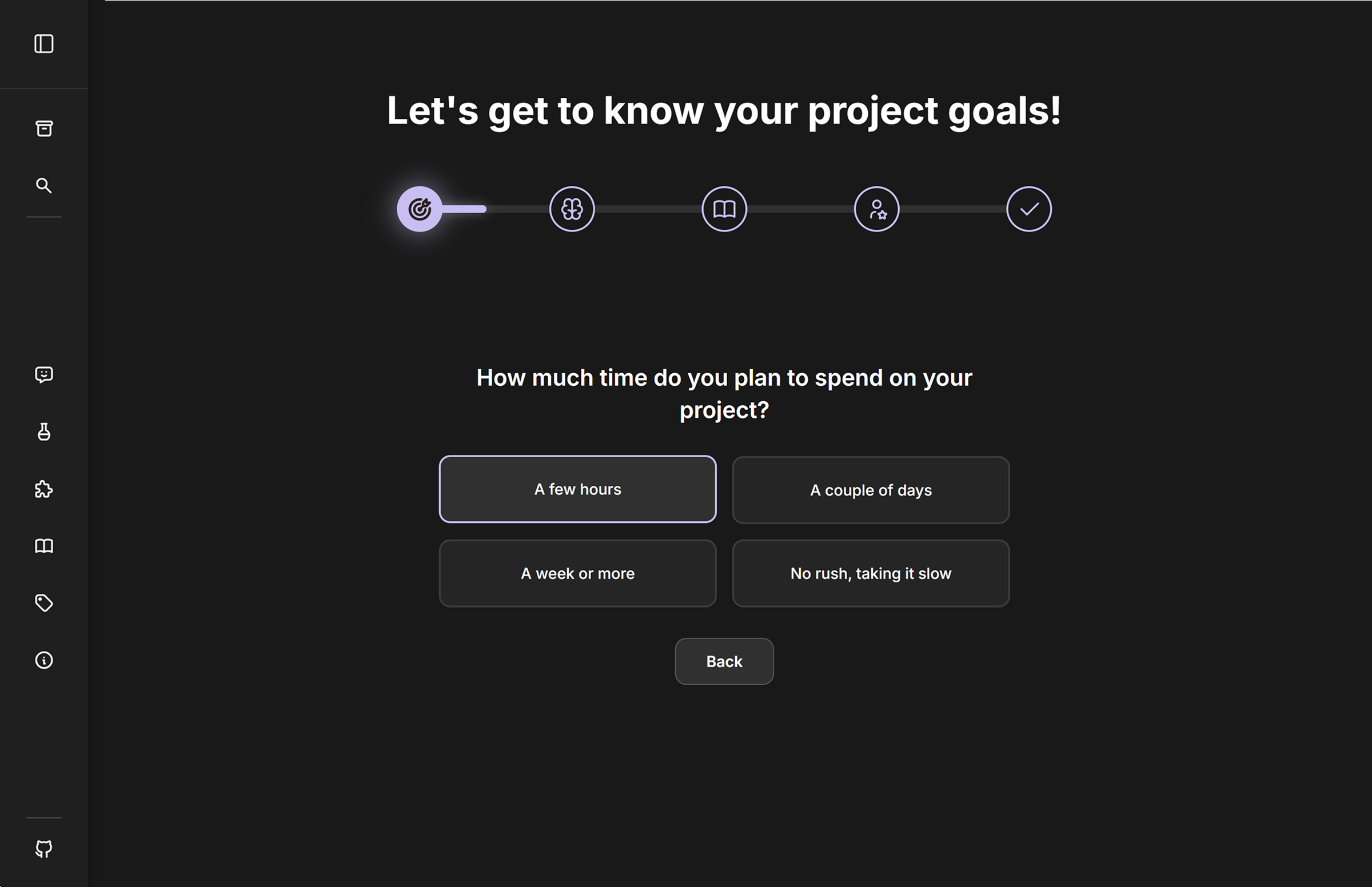
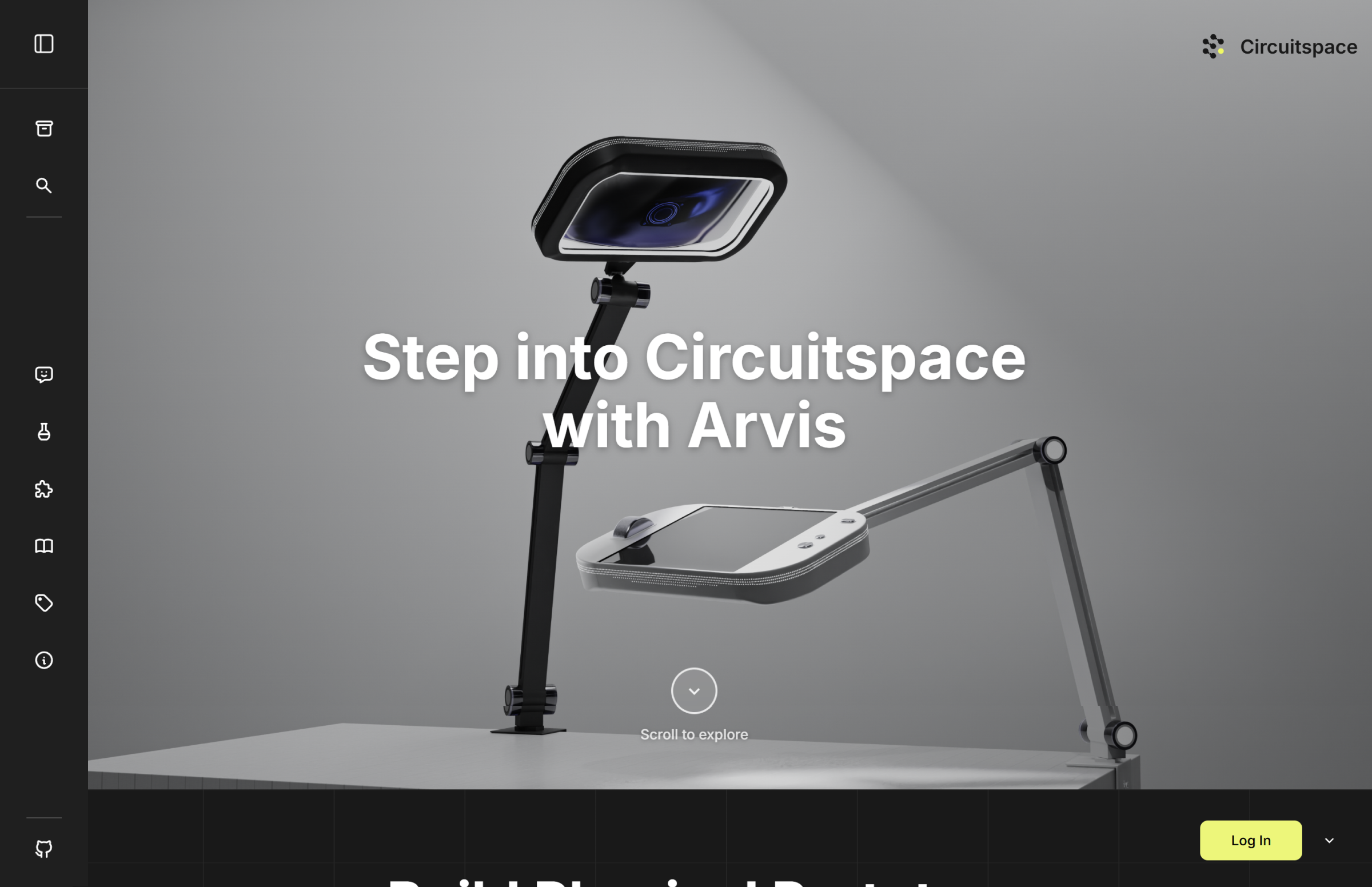
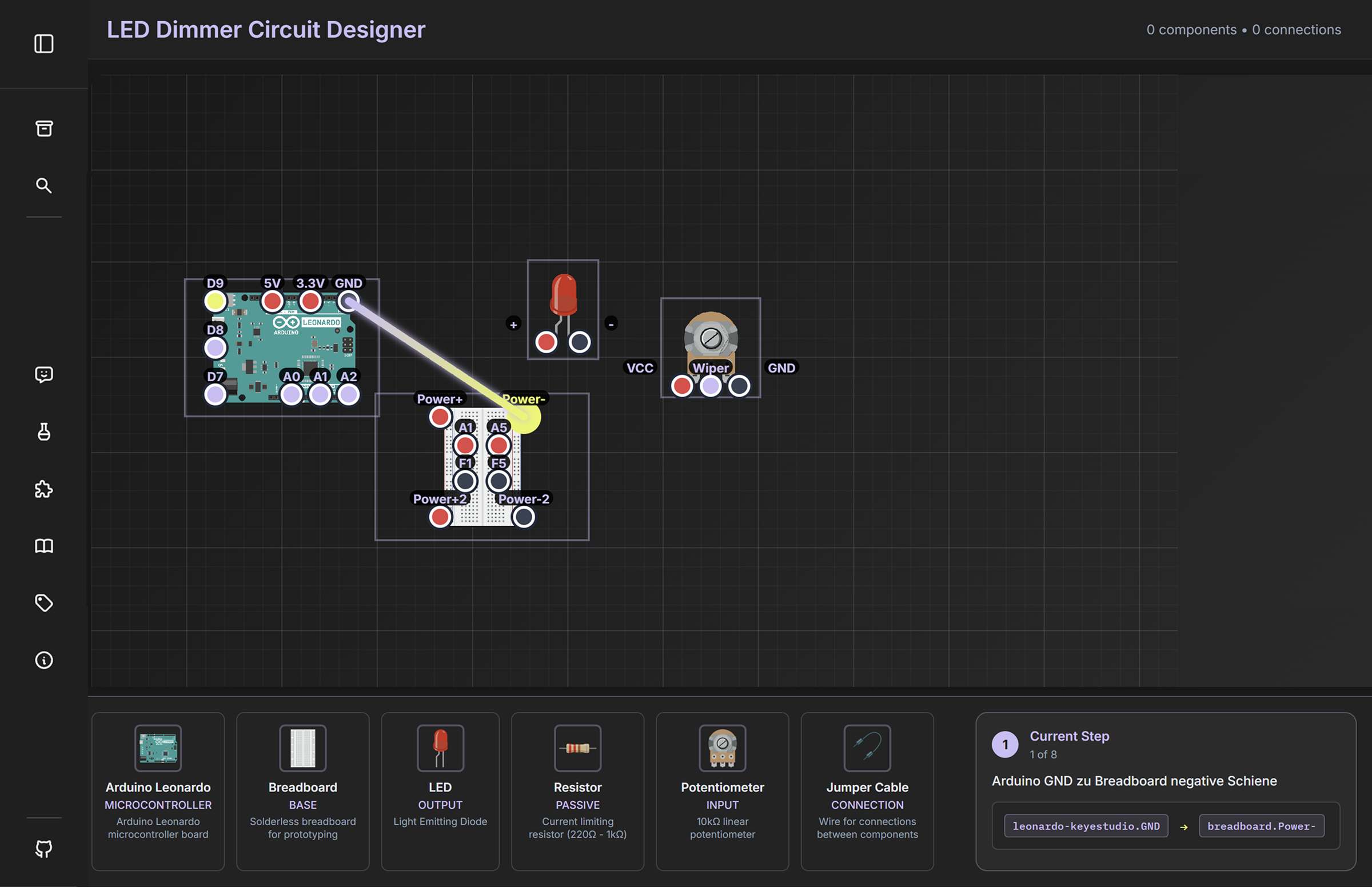
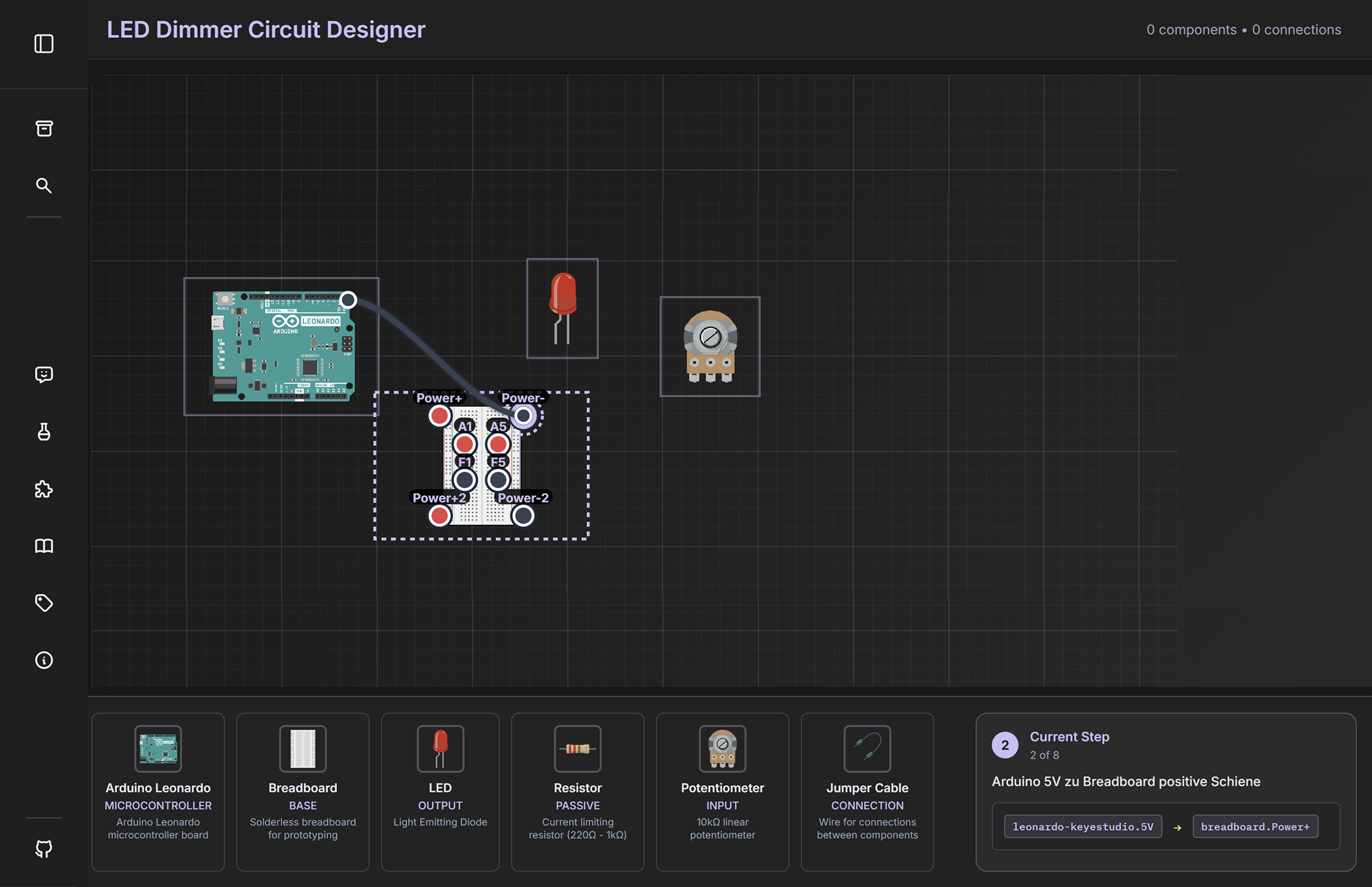
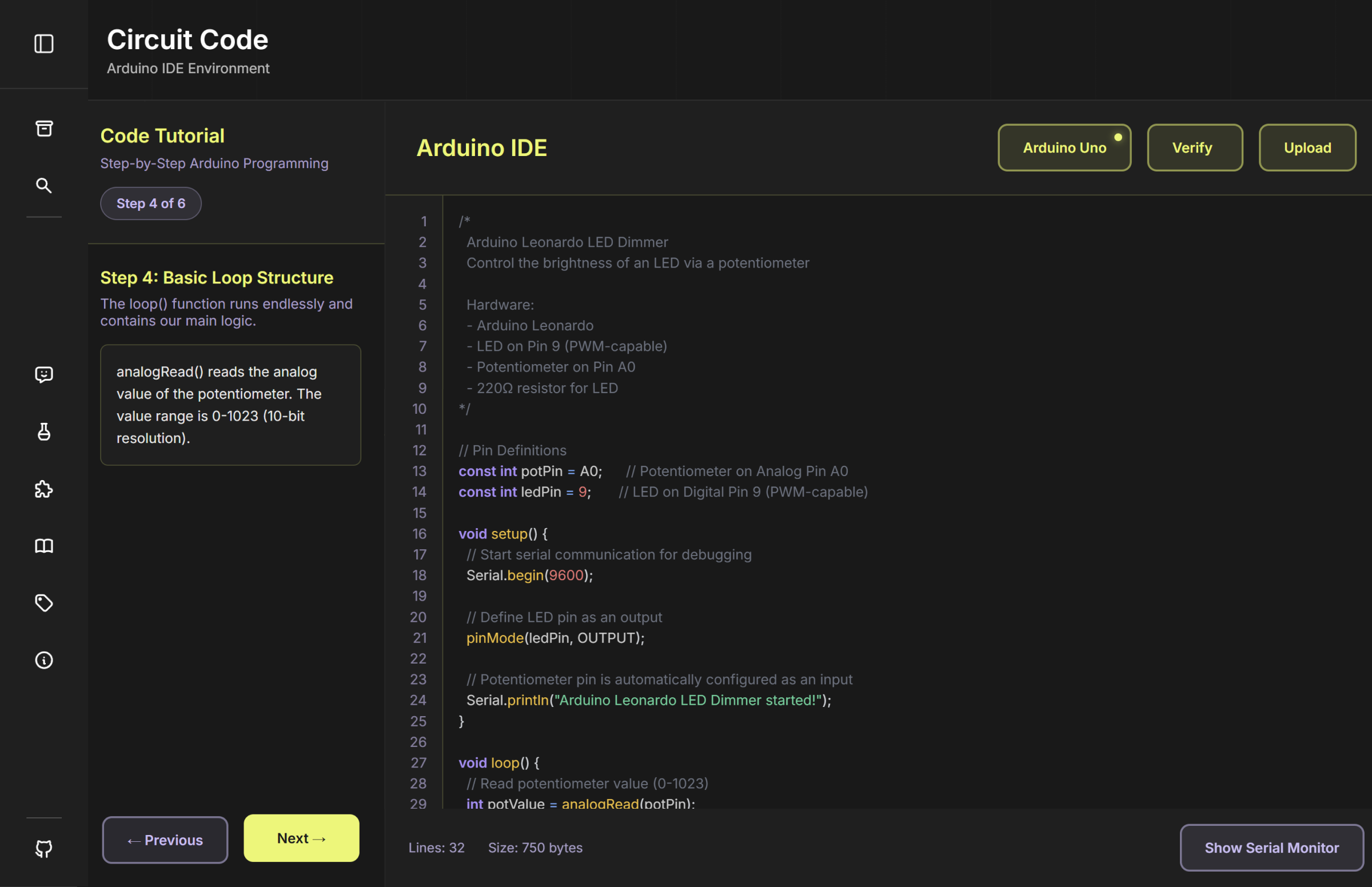
The final Arvis design brings digital guidance directly into the physical workspace, supporting users while they build and interact with real components.
One of my biggest takeaways from this project was learning to design beyond a traditional screen. Connecting a digital platform with a physical device challenged me to consider how information, interactions, and the physical workspace work together. Developing Circuitspace also taught me the value of questioning early ideas and adapting the concept throughout the process. Moving from a projection-based approach to Arvis showed me that making complex topics approachable is not about removing complexity, but about providing the right guidance at the right moment.